


























“Our students love working in MindView. They can organize their thoughts, add graphics and media, and then export it all to Word, PowerPoint, or as a website! Projects are interactive and professional, yet the emphasis is on content, not technology.”
Patrick Hanks, director
Instructional Technology, Lexington
SC School District 1
|
MindView - Educational Mind Mapping Software
Brainstorm, Organize and Present your ideas!
MatchWare MindView is a comprehensive, visual learning tool designed to help you
develop and organize ideas. Based on the proven Mind Mapping® theory, it enhances
creativity, clarifies thinking and improves memory. Choose from a variety of
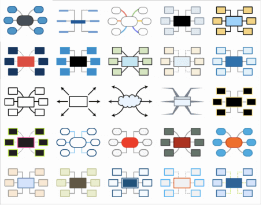
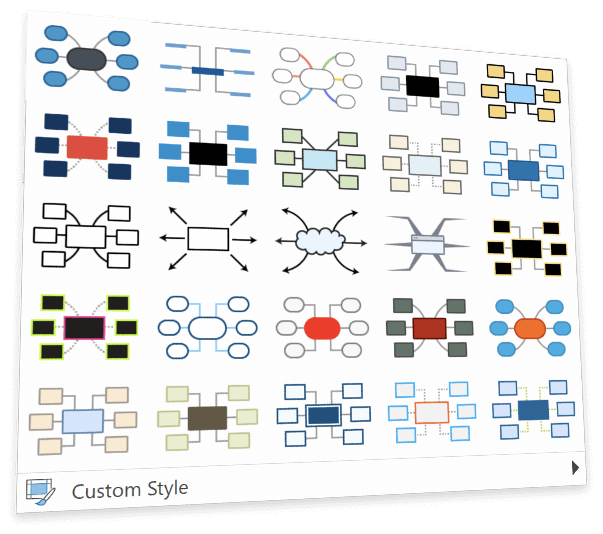
ready-to-use templates, easy-to-use wizards and professional clipart to improve
your layout. Export your completed Mind Map® to Microsoft® Word,
Microsoft® PowerPoint, HTML or Mediator.
Outline written documents with MindView
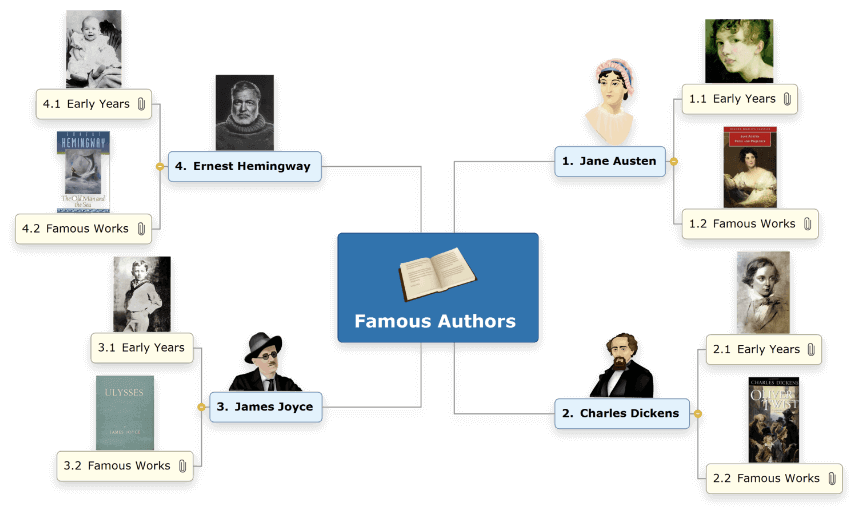
Mind Mapping is an ideal way to create an outline for written documents such as essays or research papers:
- Brainstorm ideas for chapters and sub-chapters in a free and non-linear way.
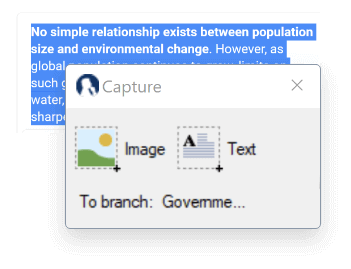
- Use the text editor (the note card) to associate comments and ideas with each chapter.
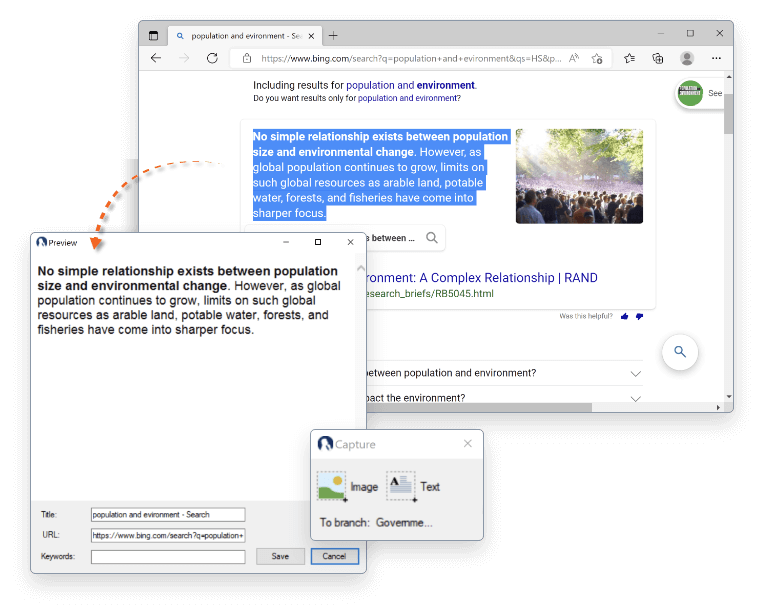
- Cite sources by linking to websites, text files etc.
- Visually reorganize your chapters in the right order by dragging and dropping them.
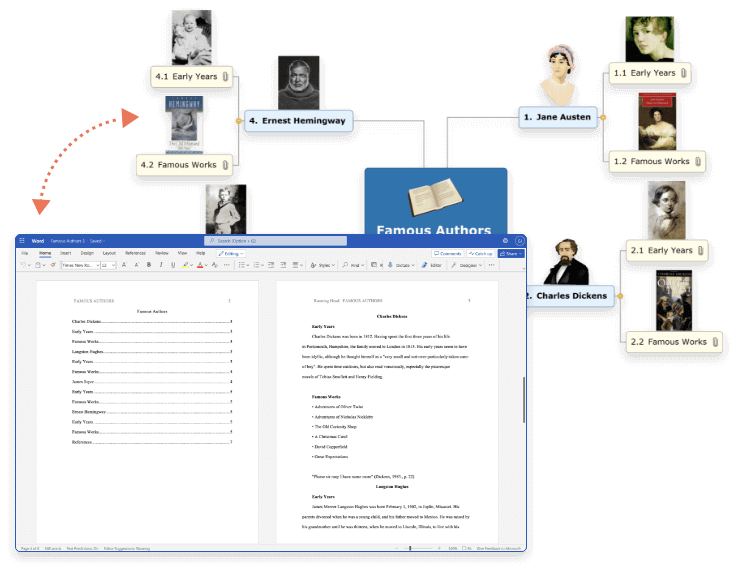
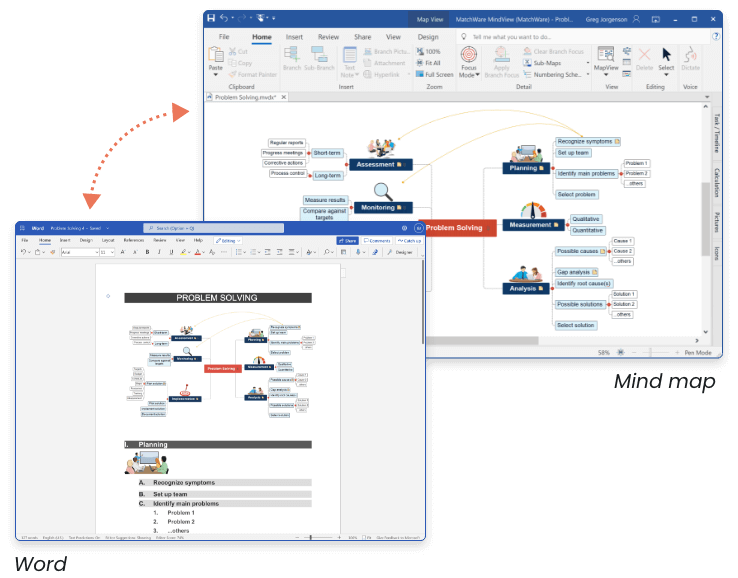
- Export to Word as a linear outline.
Export to Microsoft® Word
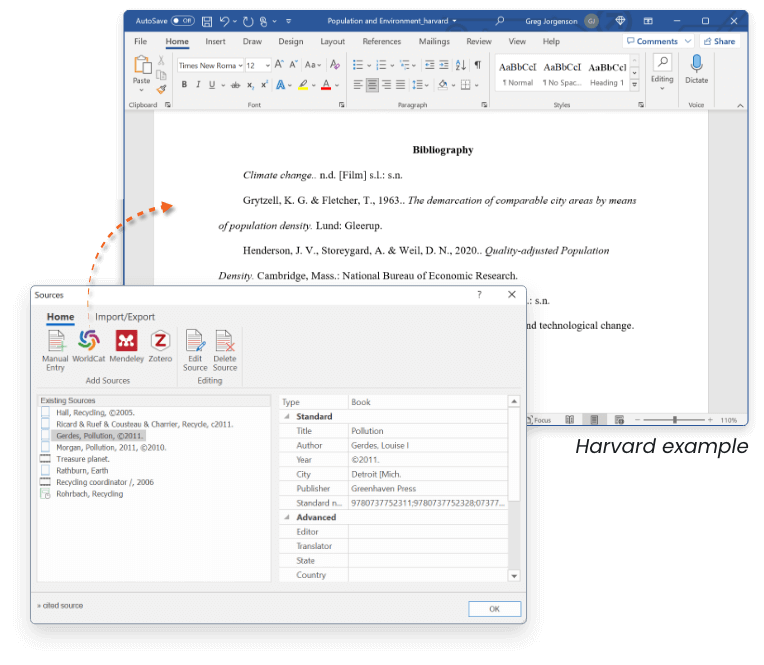
When exporting to Word main ideas are exported as main headings, sub-ideas as sub-headings and so on. Use professional templates that let you include a table of contents, choose a numbering scheme, decide how to display attachments and so on. APA and MLA templates are available.
Re-import from Microsoft® Word
If, while working on your document in Word, you realize that you have forgotten some key ideas that you would like to include, just make the changes, and import your Word document back into MindView. Your Mind Map will be updated.
Storyboarding and creating presentations with MindView
MindView is an effective way to structure and allocate resources to multimedia projects:
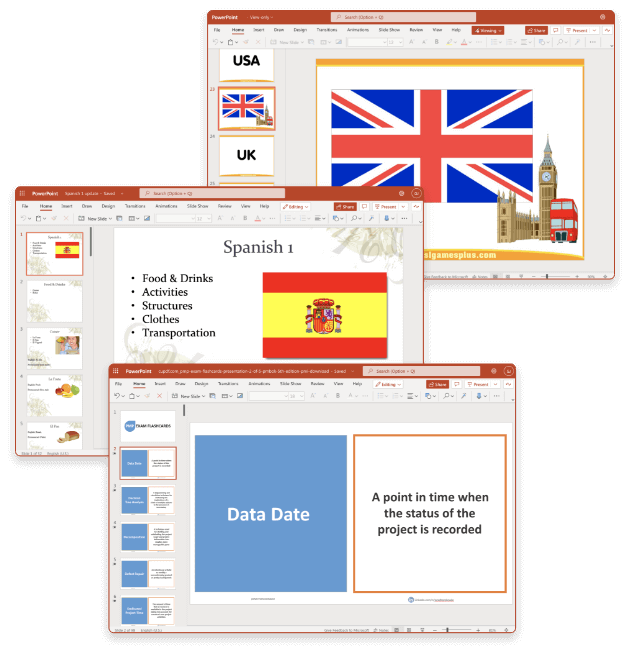
- When storyboarding presentations, an idea in your Mind Map represents a page or a slide in your presentation, a sub-idea represents a sub-page or sub-slide and so on.
- Attach resources to branches (ideas) such as Flash files, pictures, text, sounds and videos. These files are included when you export to PowerPoint, HTML and Mediator and are displayed on their respective pages.
- Create hyperlinks, buttons, branch connections and other interactivity that is also included when exporting.
- Export to PowerPoint, HTML or Mediator using templates.
The Export Wizard
The Export Wizard for Mediator and HTML includes a range of ready-made templates offering different top bar and side bar navigation styles. You are free to customize these templates according to your needs and save them for further use.
Microsoft® PowerPoint
Export the Mind Map to PowerPoint. Select a professionally designed template and choose to include your text notes, comments, pictures or video files in your presentation.Once exported, you can make changes to your PowerPoint presentation and import the file back into MindView. Your Mind Map will be updated. Native PowerPoint files can also be imported.
HTML
Export to HTML quickly and effectively, no programming required! Go through the Export Wizard or use the "One click" export option. Even the Timeline can be exported as HTML.
Professional Timelines made easy!
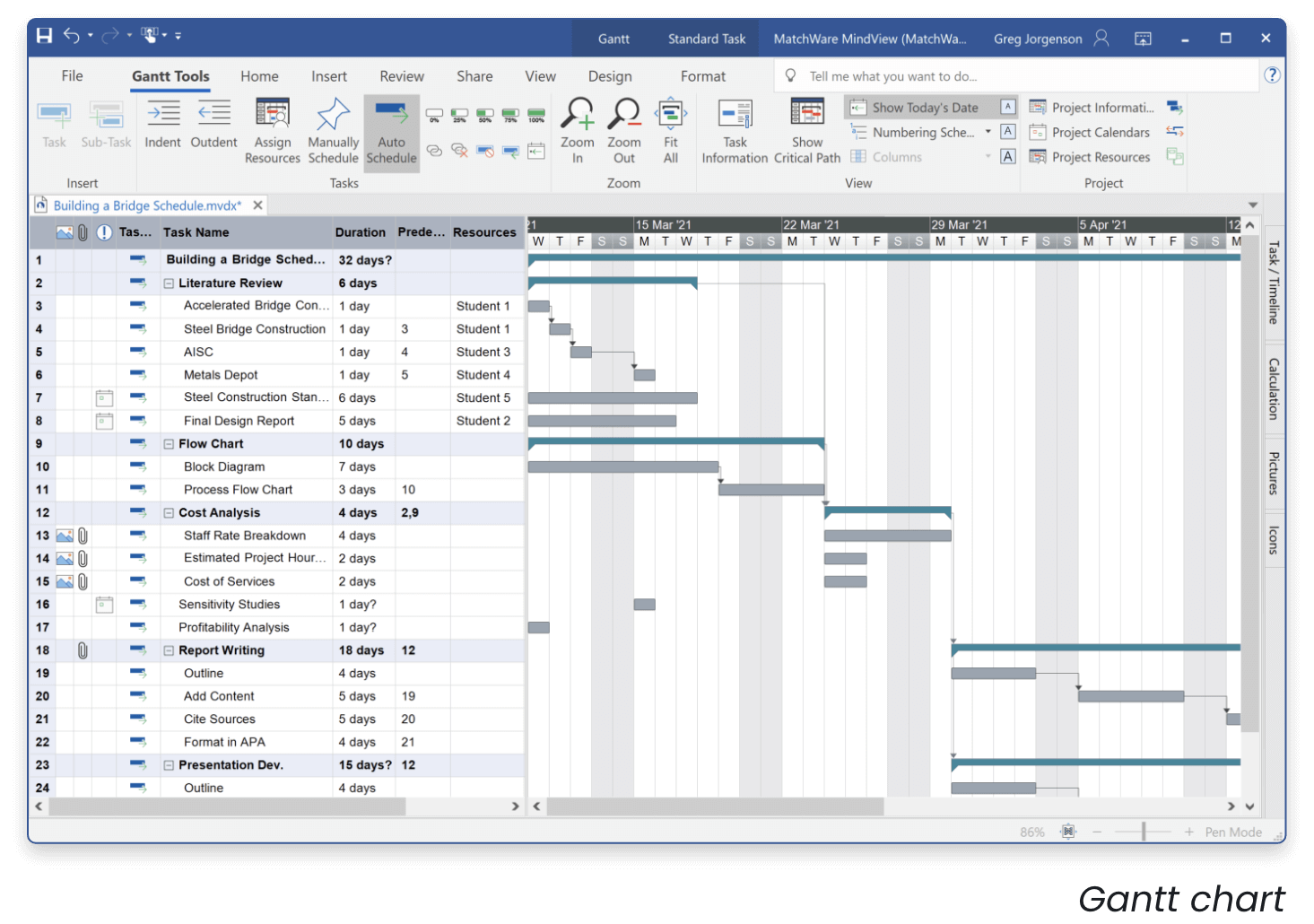
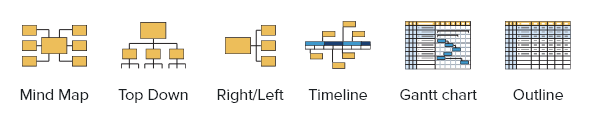
The MindView Timeline view is a great new way of displaying your work. Simply add dates or times to your branches and switch to the Timeline view to see the information displayed along a horizontal time axis.
|